
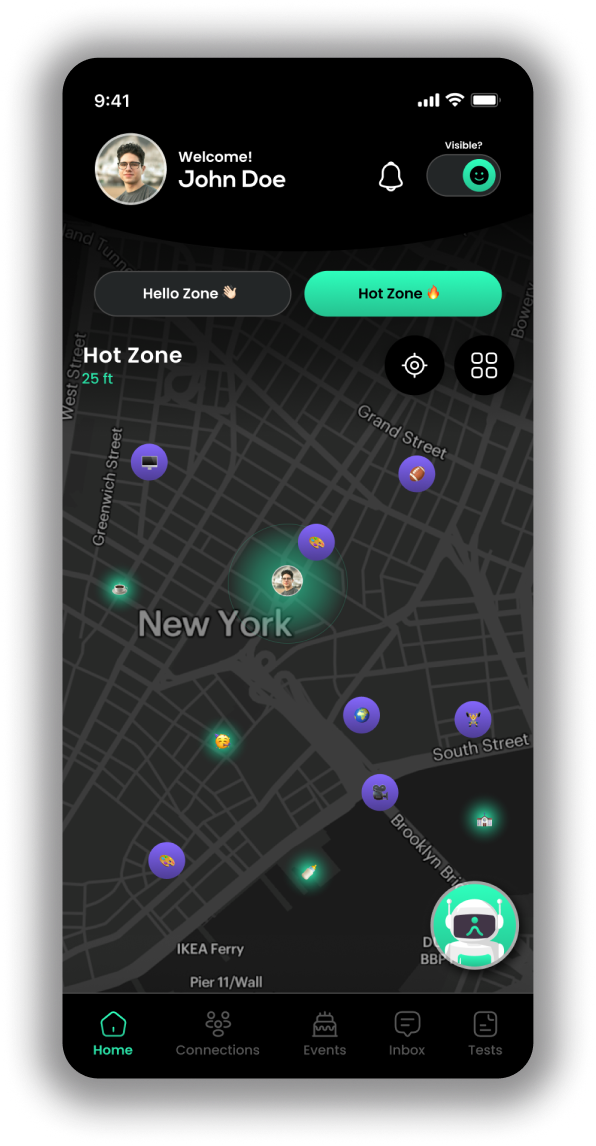
How DigiElo works
Your movement is the feed. DigiElo uses verified identity, proximity activation, passive interaction, and consent protocols to help people discover what matters nearby without endless scrolling.
The core loop

Verify Once
A verification step helps confirm users are real humans and improves platform integrity.

Move through the world
Discovery activates based on proximity, so relevance comes from presence and timing.

Passive interaction
DigiElo can capture your opted-in activation signals so you can review without constant browsing.

Daily Recap
Review of your activity and choices so you can follow up intentionally instead of scrolling.

Engage by consent
Interaction opens only when both parties choose to engage. No unsolicited contact.
Digital Representative
Your Digital Self
To make this work without constant attention or scrolling, DigiElo gives you a private, user-controlled guide that moves with you throughout the day.

As you move, Elo can notice when someone relevant is nearby through consent-based proximity activation. Each person's Elo evaluates the connection separately, and each of you gets your own private result. Elos don't talk to each other, and they never speak for anyone.
At the end of the day, you can optionally review these moments in your Daily Recap and decide what to follow up on.
Hello Zone vs Hot Zone
VS
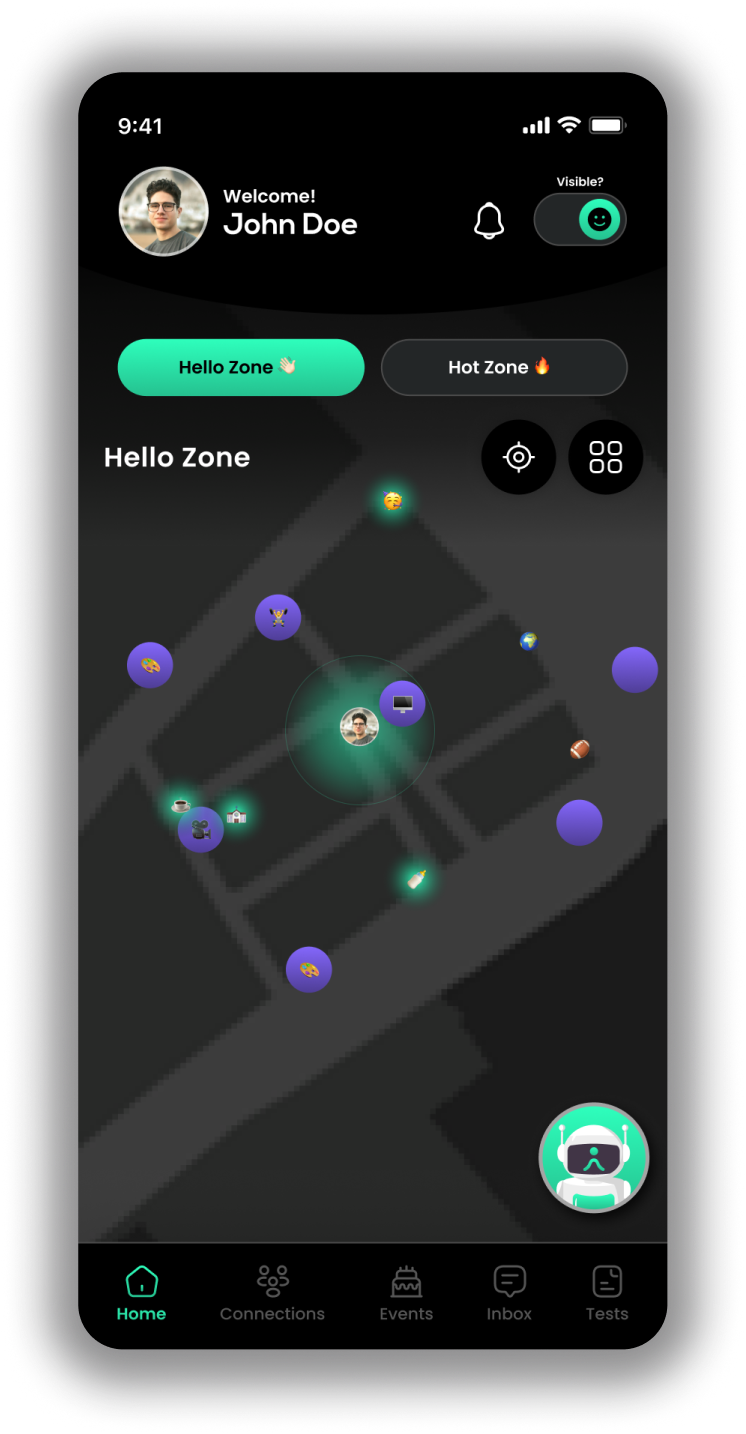
Hello Zone
A short-range proximity context designed for real-time relevance. Interactions require mutual consent.
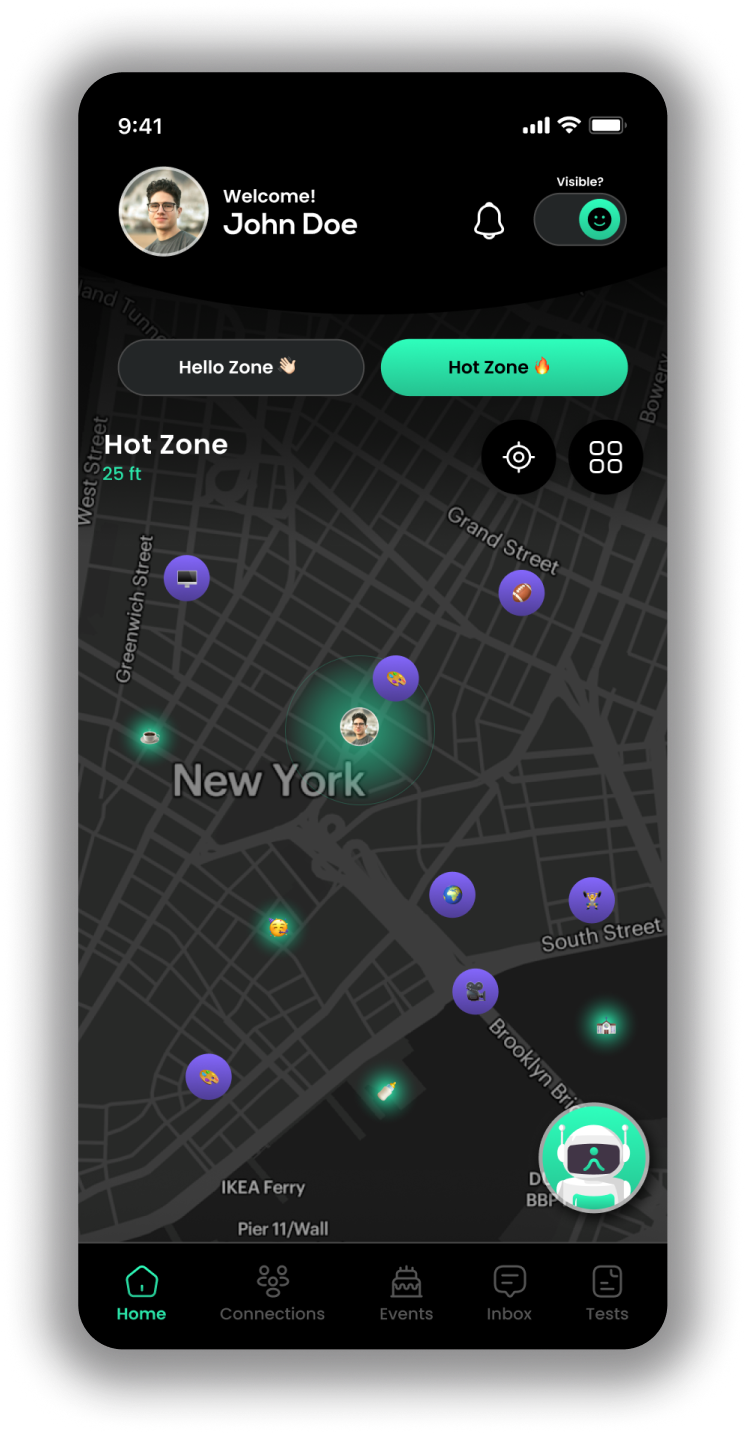
Discover
A broader layer that highlights what's active nearby while keeping consent and control central.
DAILY RECAP
What you review at the end of the day
Daily Recap is designed to replace feed-based browsing with reflection:
- A private list of the proximity moments you encountered (based on your permissions)
- The interactions you chose to open (consent-based)
- Optional notes or prompts to help you decide what to follow up on
Daily Recap is optional. You control whether it's enabled and what permissions you provide.
PERMISSIONS
Why DigiElo Requests Them

Location
Used to enable proximity-based discovery and optional passive interaction. You control permissions in device settings.

Bluetooth (if used)
May be used to support near-field proximity detection. You control permissions in device settings.

Notifications
Used to alert you when something relevant is nearby or when a recap is available. You can disable notifications at any time.

What DigiElo is NOT
- Not a public follower-count social network.
- Not an infinite feed.
- Not an open-inbox messaging platform.
- Not an advertising data broker.